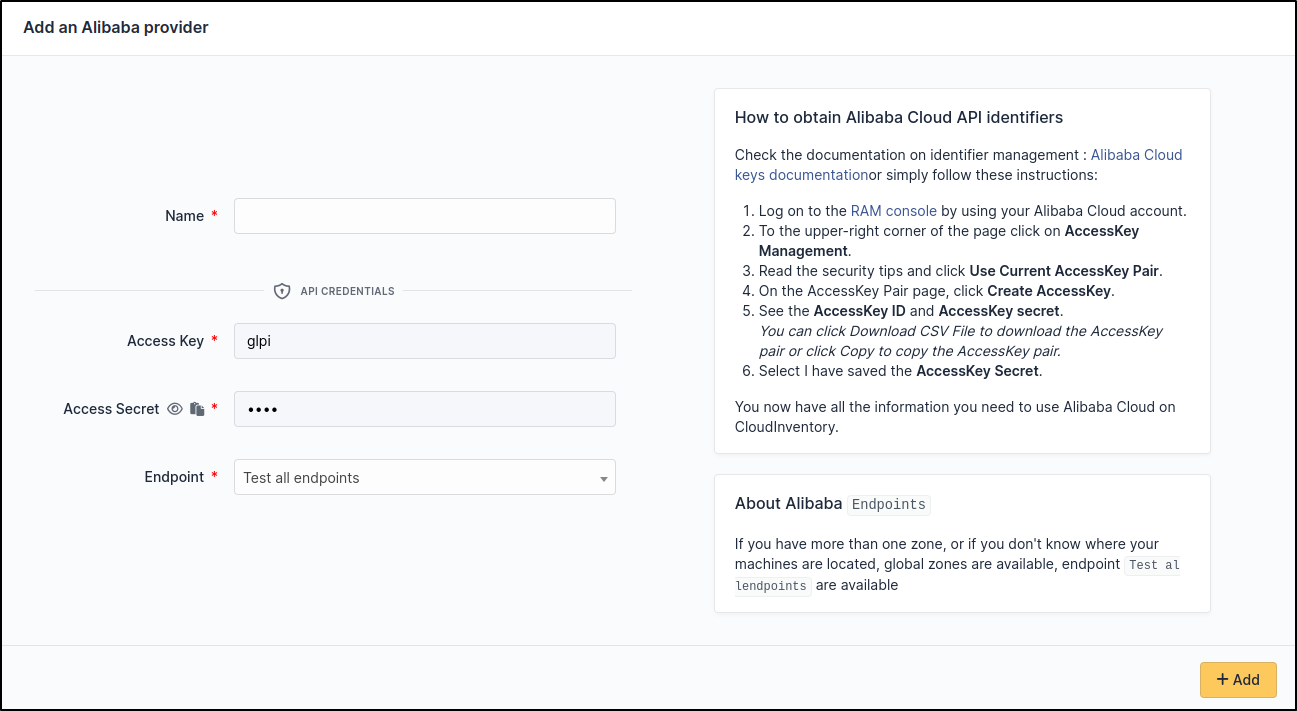
Alibaba
Create credentials
Check the documentation on identifier management : Alibaba Cloud keys documentation
Or simply follow these instructions:
Log on to the RAM console and sign in with your Alibaba Cloud account.
Move the pointer over the profile picture in the upper-right corner of the page that appears and click AccessKey Management.
In the Note message, read the security tips and click Use Current AccessKey Pair.
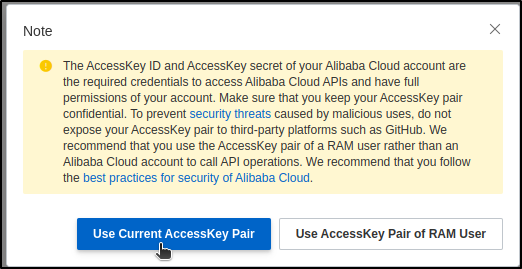
On the AccessKey Pair page, click Create AccessKey.
In the Create AccessKey message, view the AccessKey ID and AccessKey secret.
You can click Download CSV File to download the **AccessKey* pair or click Copy to copy the AccessKey pair.*
Finally select I have saved the AccessKey Secret.
Setup GLPI
Go to Adminsitration > Cloud inventory > +Add