Scaleway
Create credentials
Check the documentation on identifier management : How to create API Key
Or simply follow these instructions:
Go to Scaleway console and sign in with your account : https://console.scaleway.com/login
Click Identity and Access Management (IAM) from the top-right of your Organization Dashboard
Click on the API Keys tab.
Click on Generate an API key.
Choose the owner of the API key (IAM user or IAM application).
Enter a description (optional) and an expiry date for the API key.
Select whether the API key will be used for Object Storage → choose No
After validating the form, Scaleway will give you the following information
Access KeySecret key
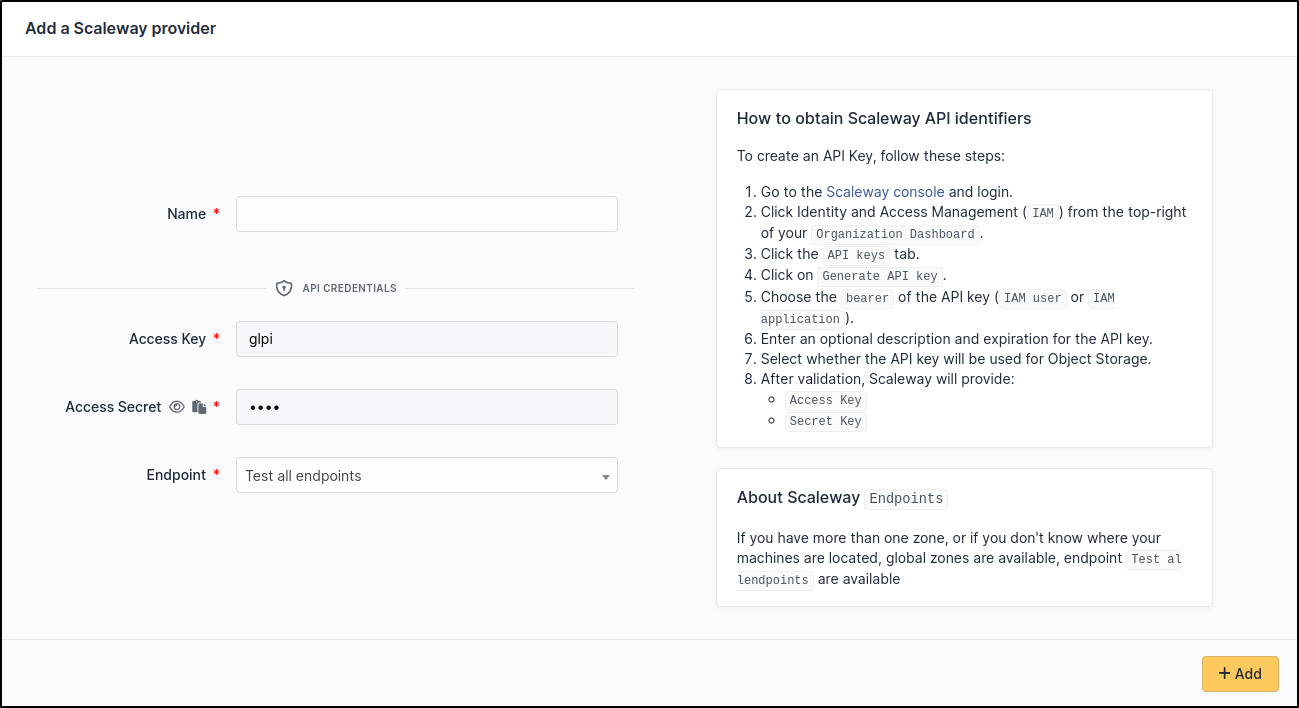
Setup GLPI
Go to Adminsitration > Cloud inventory > +Add