Apple
Create a new identifier
Go to this page to configure the Apple provider
Create a new «Identifier» in the
Identifierstab.
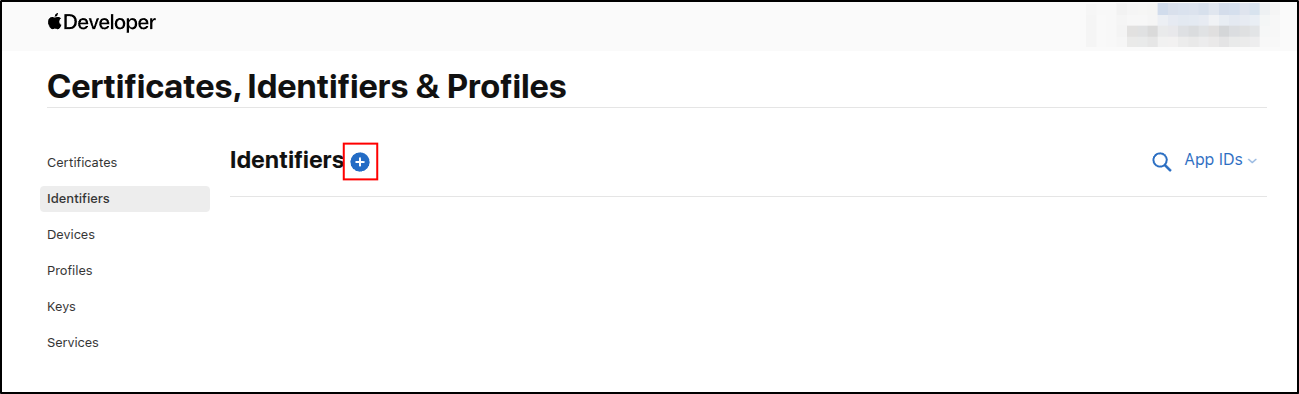
Select
Apps IDs
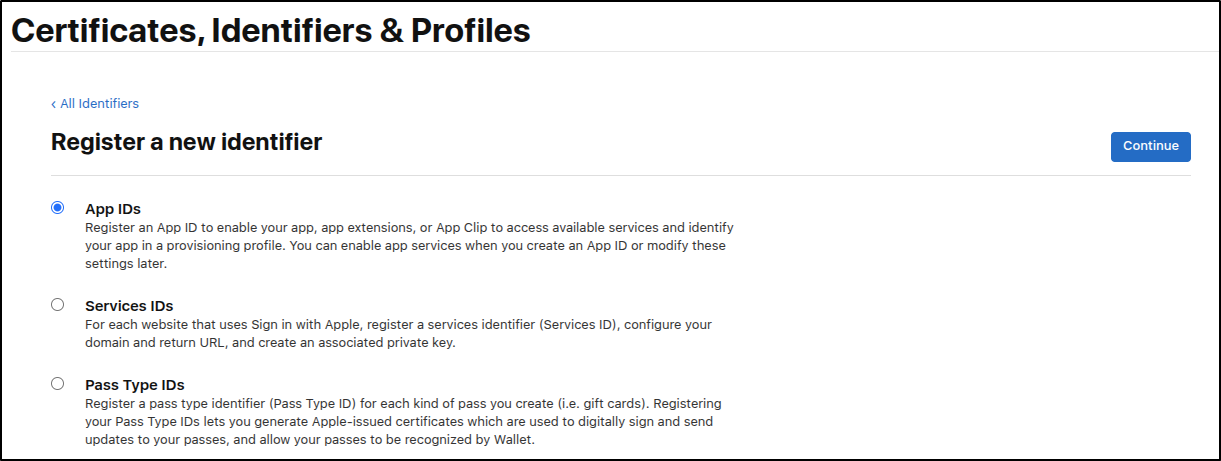
Then continue
Select
type=>App
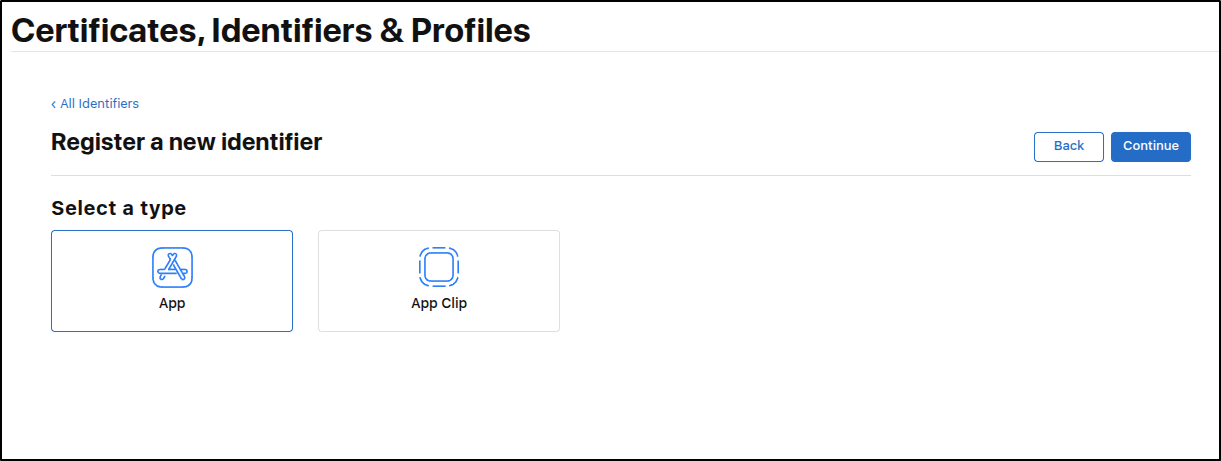
Then continue
Select
Sign in with Applecapability

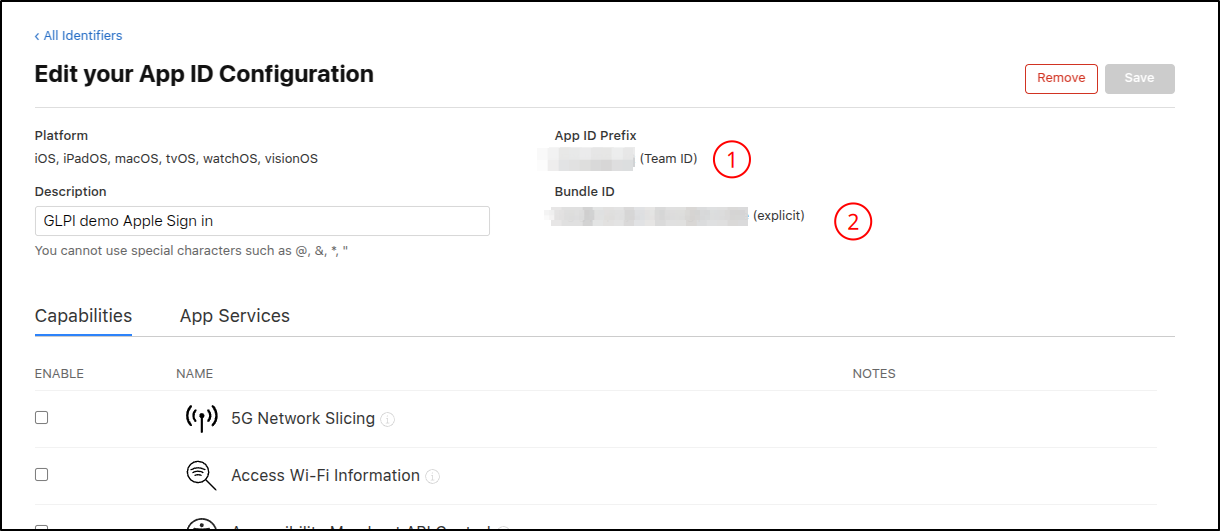
Team IDcan be found here (1).Client IDcan be found here (2).
Key File and Key ID
Go here to create Key file
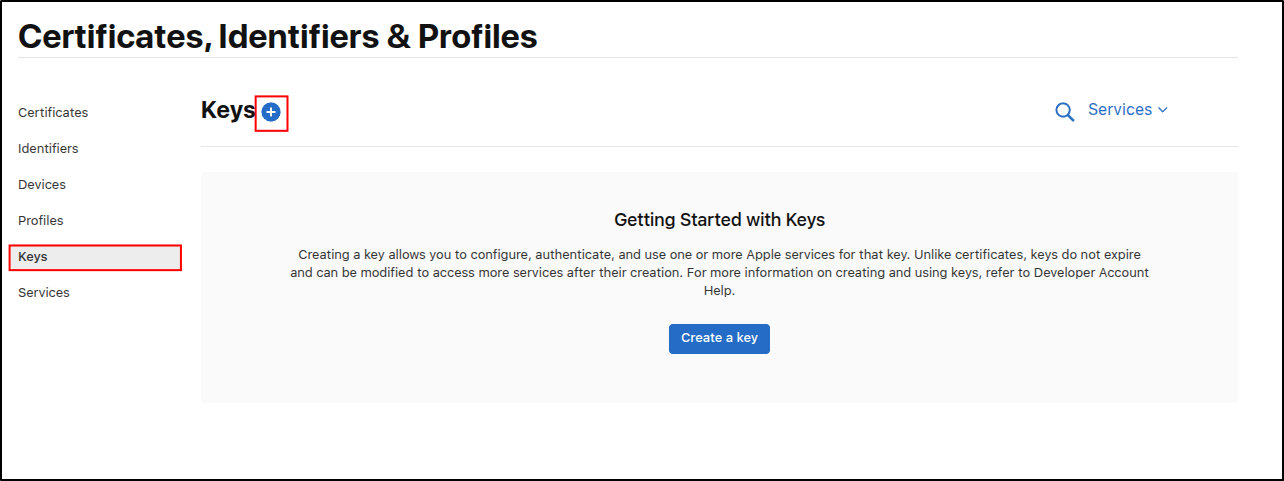
Enter a name and description (1).

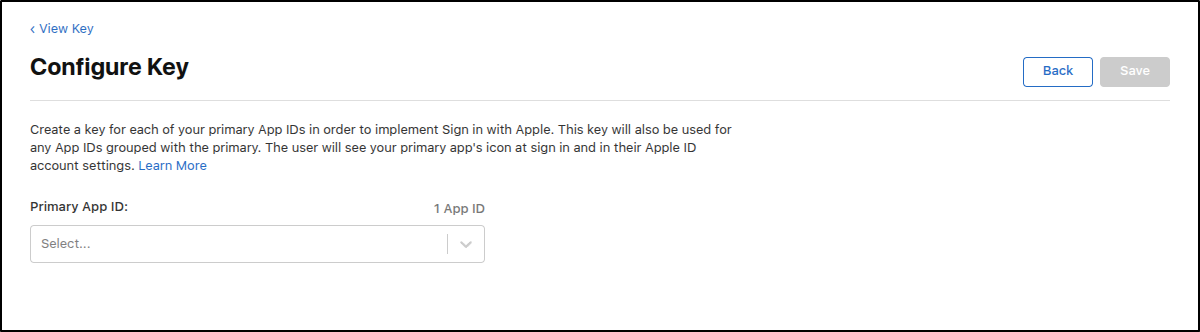
Select
Sign in with AppleClick on
Configure(2) to selectApps IDpreviously created
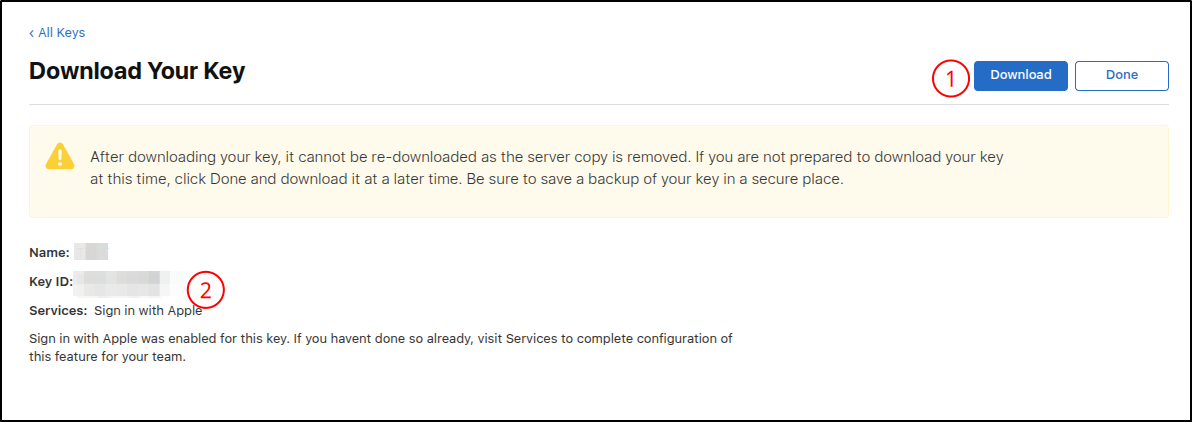
After registering your app, you will be able to retrieve:
Key File(1)Key ID(2)
You now have all the necessary information to configure your provider in the OauthSSO plugin.
Aviso
Please note: Processing of the Apple identifier and key may take some time on Apple’s side; potentially, up to 48 hours.
Warning about fetching user information
Nota
For now, only the email, subject identifier (sub), firstname, and lastname can be retrieved from the identity provider.
Aviso
Concerning firstname / lastname fetching.
Please note that this information is only available during the user’s first login, provided that the user consents to sharing their information.
For subsequent logins, only the user identifier will be retrieved.
